Onboarding Wizard
Designing a high-conversion onboarding experience for complex e-commerce data integration.
The Challenge
Users struggled to navigate the initial setup of large datasets, resulting in high drop-off rates and a heavy volume of support requests for manual assistance.
The Solution
I designed a multi-step onboarding wizard with clear progress indicators, brand-aligned microcopy, and intuitive filtering tools to simplify complex product selections.
My Role
UX Consultant.
The Impact
The new flow has successfully achieved first-time user autonomy, significantly reducing the support load on staff and allowing the business to scale without increasing overhead.
Introduction
Over the past year I have been working on a freelance basis for Scalably, which is a startup offering an e-commerce integration service. Through its product, users can connect their Shopify catalogues and then, with a single click, distribute them to multiple online retailers such as Debenhams, Tesco, and others.
One of my key tasks for Scalably was to ensure the user onboarding process offered a smooth and slick user experience. As this is their users' first touchpoint with the software, it needed to be clean and intuitive.
There were some specific UX goals within this project:
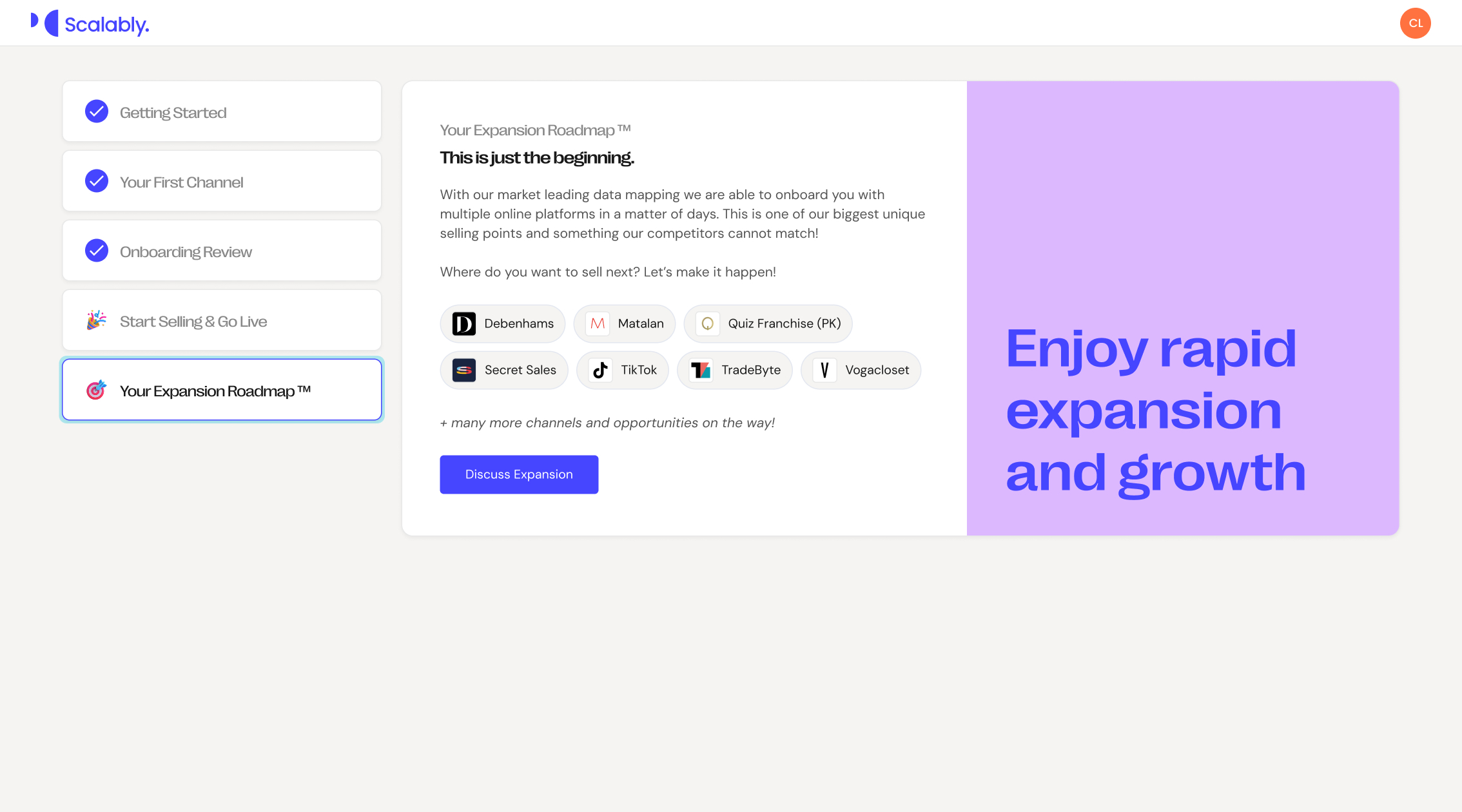
- Ensure users understand the number of steps within the onboarding wizard and how long specific tasks might take.
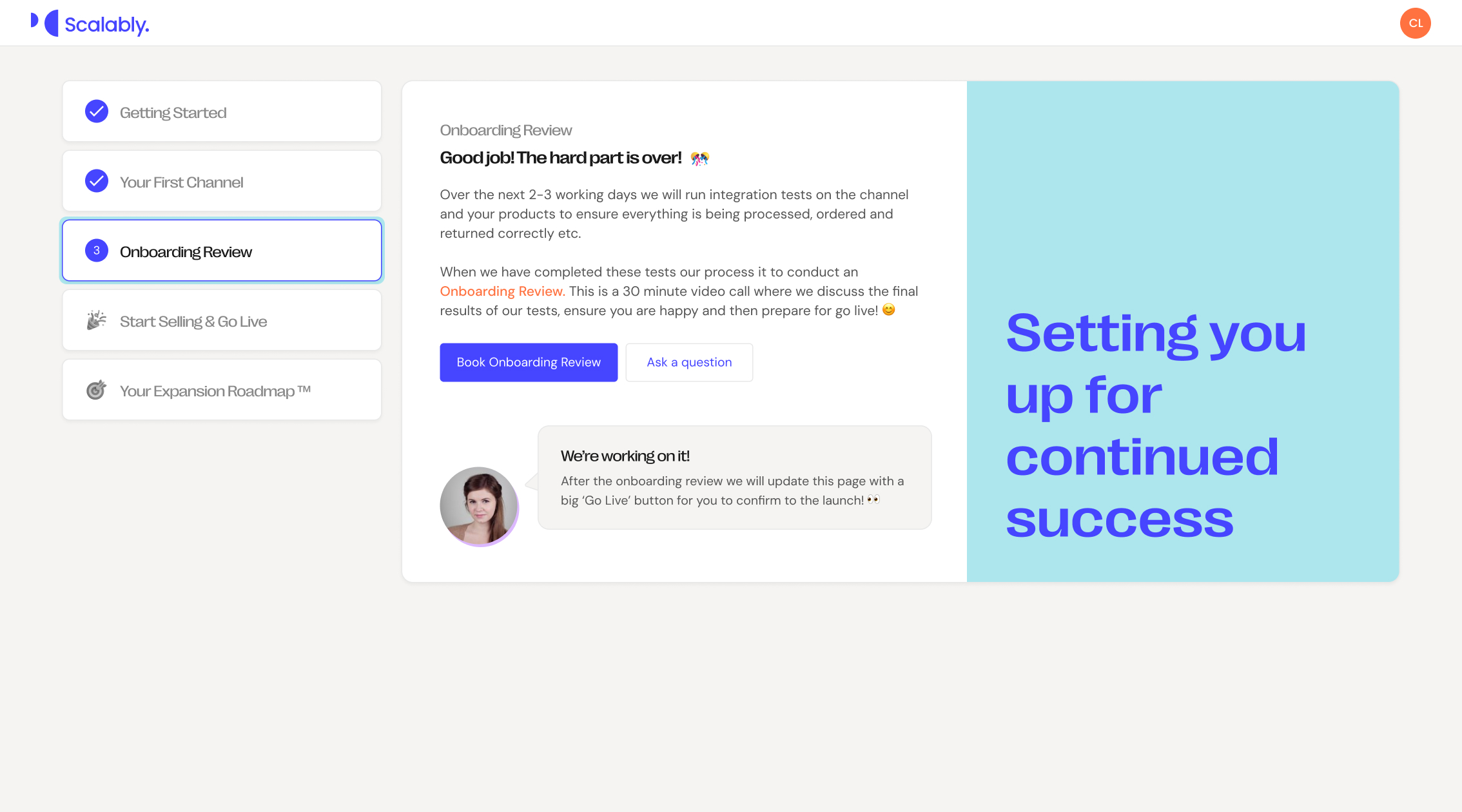
- Introduce a 'human element' to ensure the onboarding process feels welcoming and reassuring.
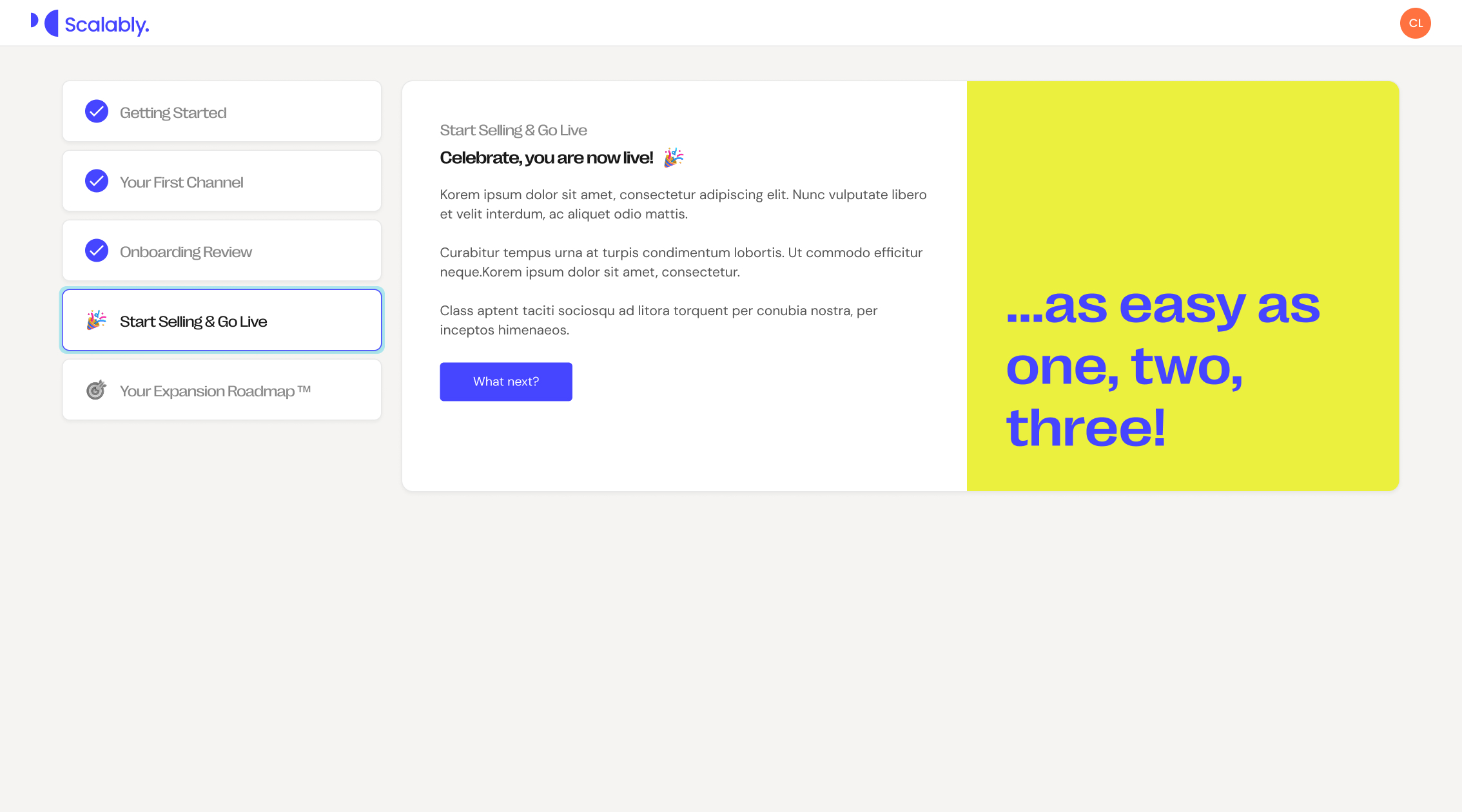
- Ensure messaging is on-brand, encouraging, and supportive throughout.
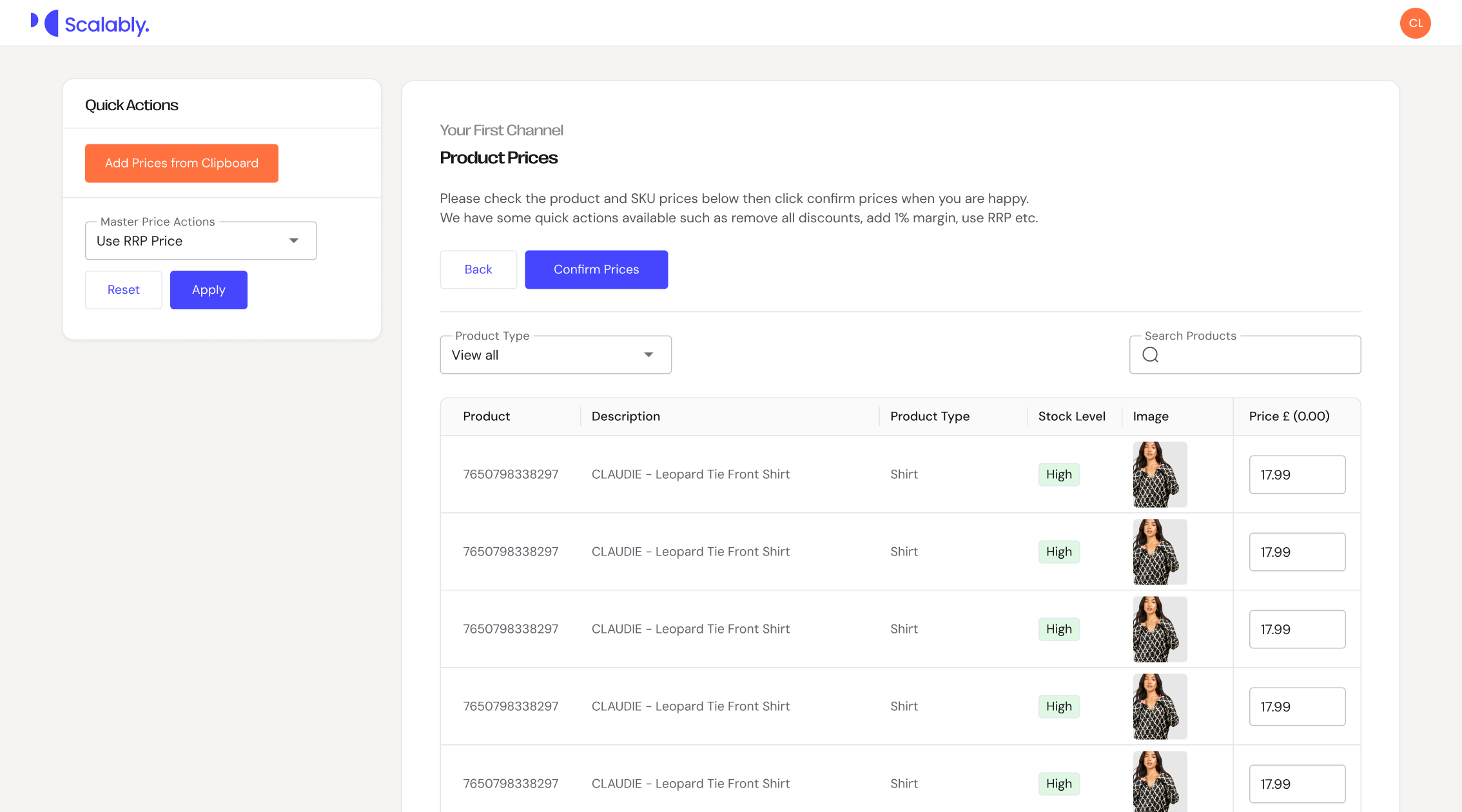
- Make sure the product selection is intuitive and includes appropriate filters and useful tools for users to make their selections quickly.
- Provide joyful interactions throughout, with clear calls to action and effective UX microcopy.
This project has been a huge success for my client, who have finally started to see successful first-time onboarding from their customers. This intuitive onboarding wizard now means they are no longer receiving emails asking for help from their users, significantly reducing the load on their staff and business resources.
Below are screenshots from the UI designs and prototype.
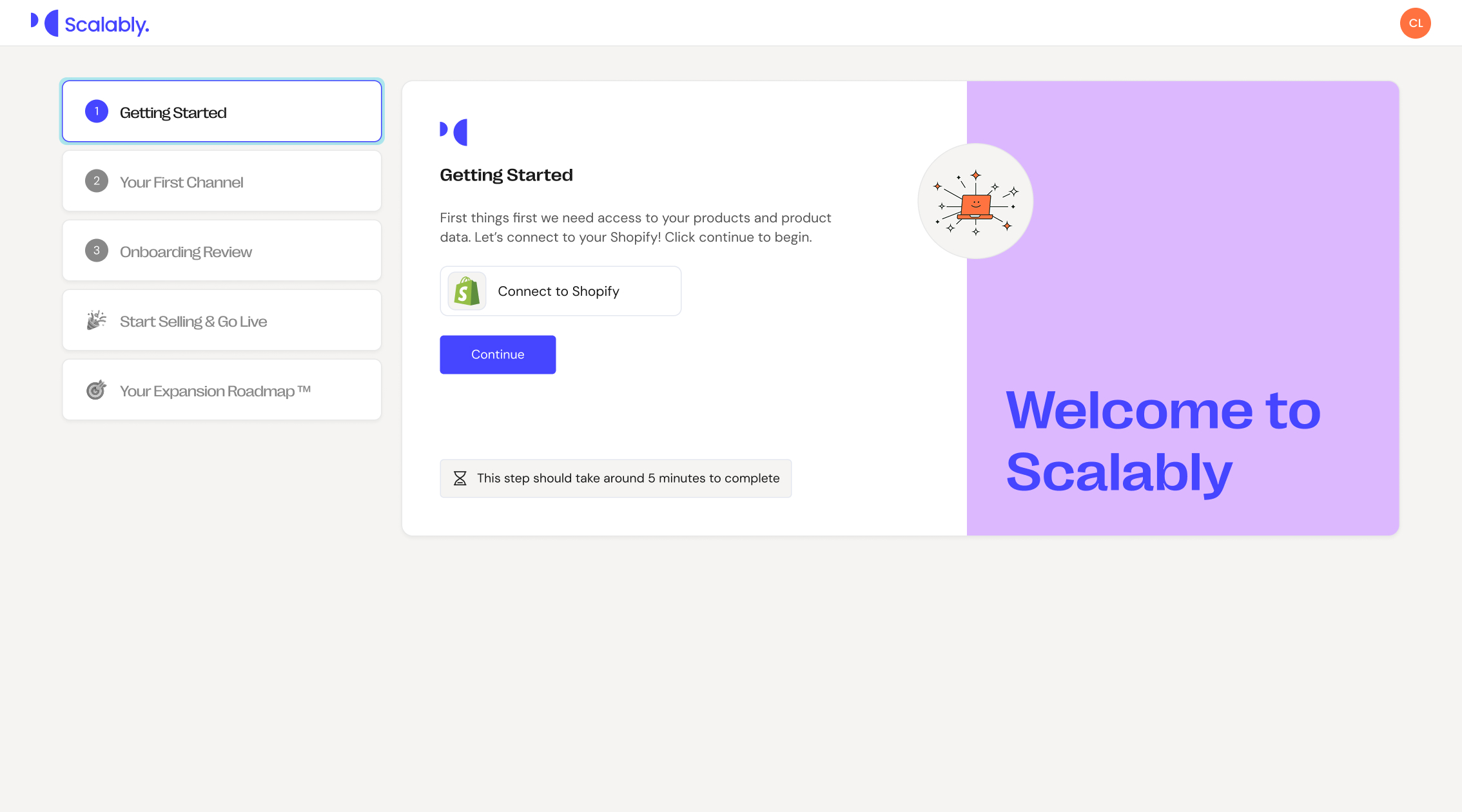
UX Goal 1: Ensure users understand the number of steps within the onboarding wizard and how long specific tasks might take.
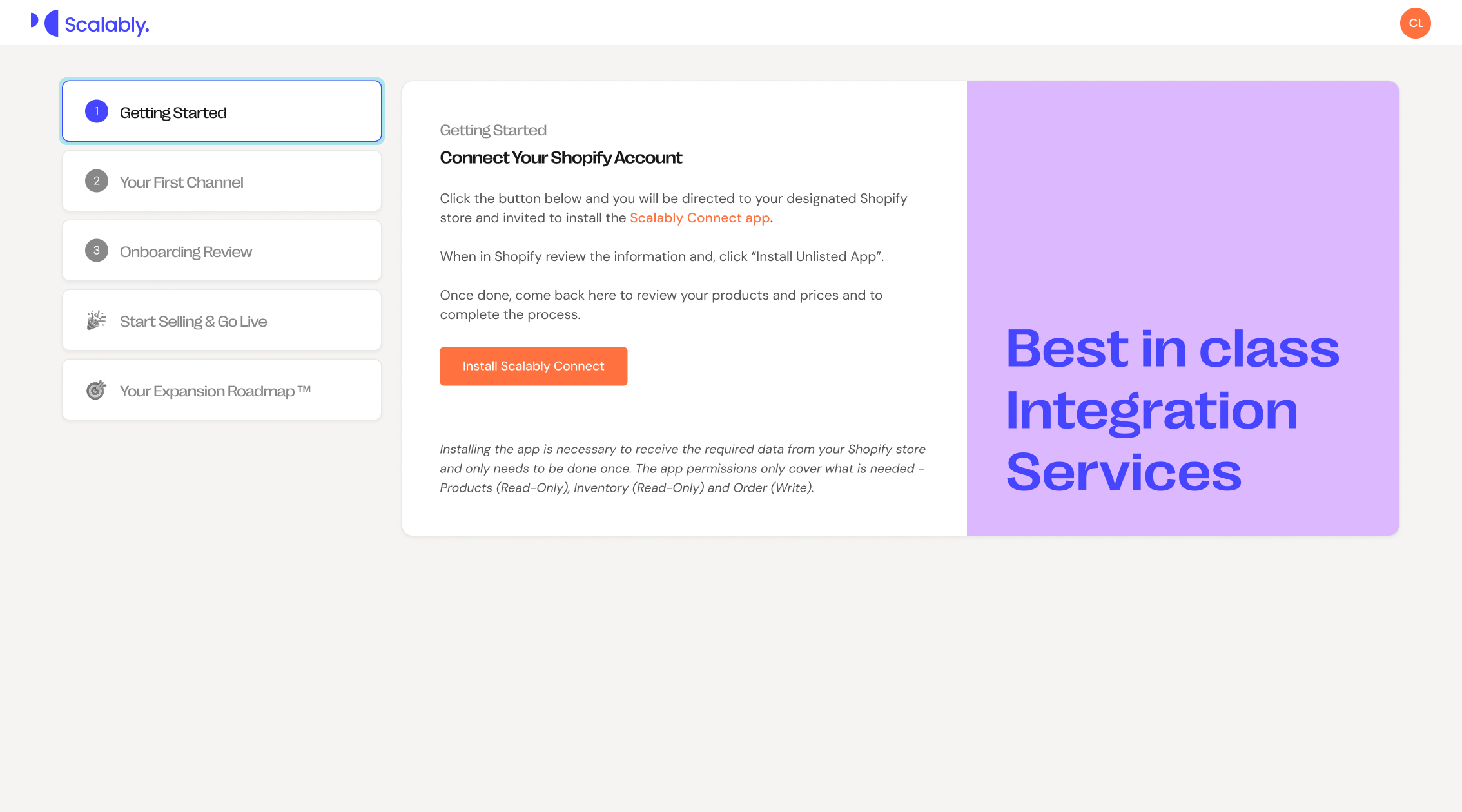
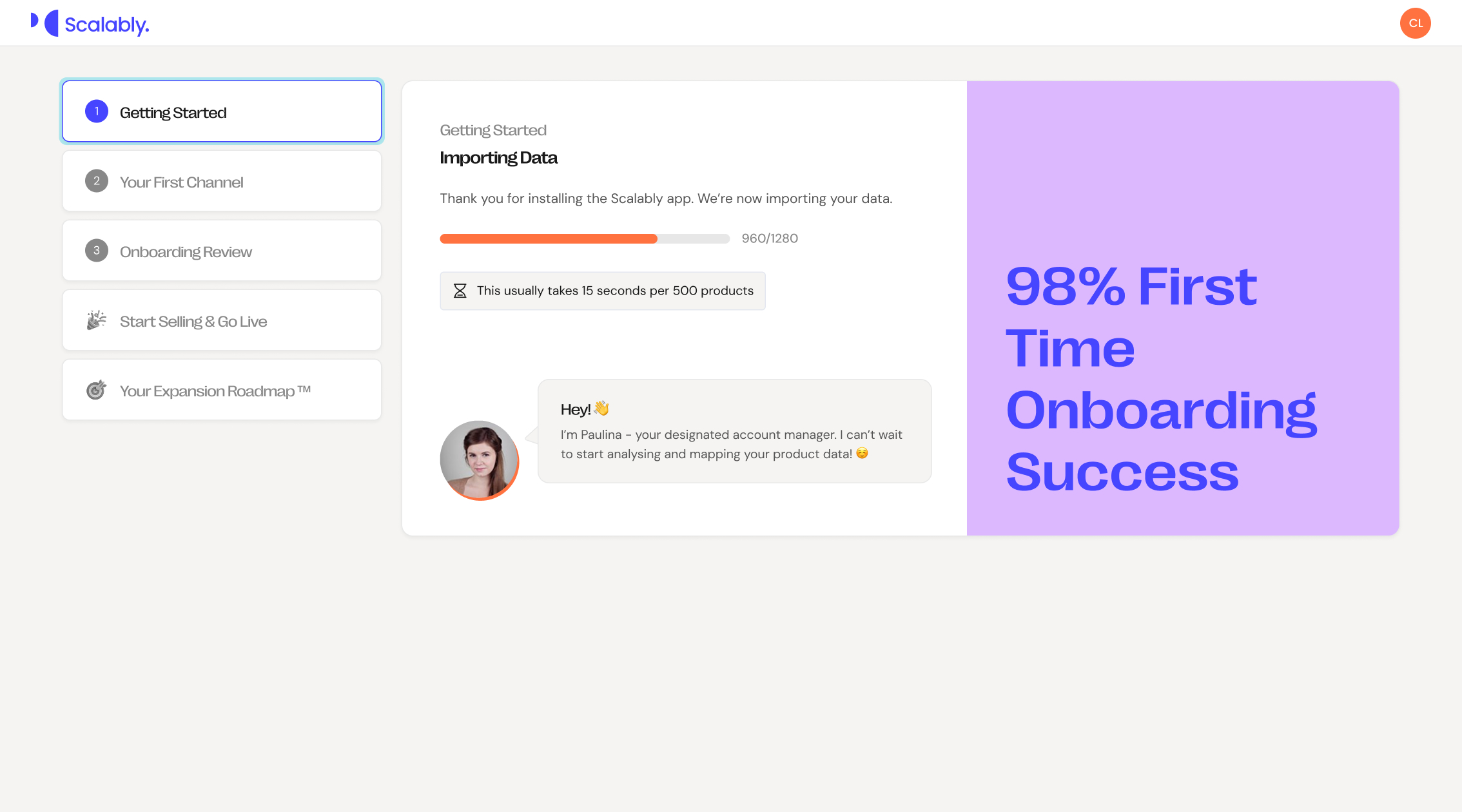
UX Goal 2: Introduce a 'human element' to ensure the onboarding process feels welcoming and reassuring. UX Goal 5: Provide joyful interactions throughout, with clear calls to action and effective UX microcopy.
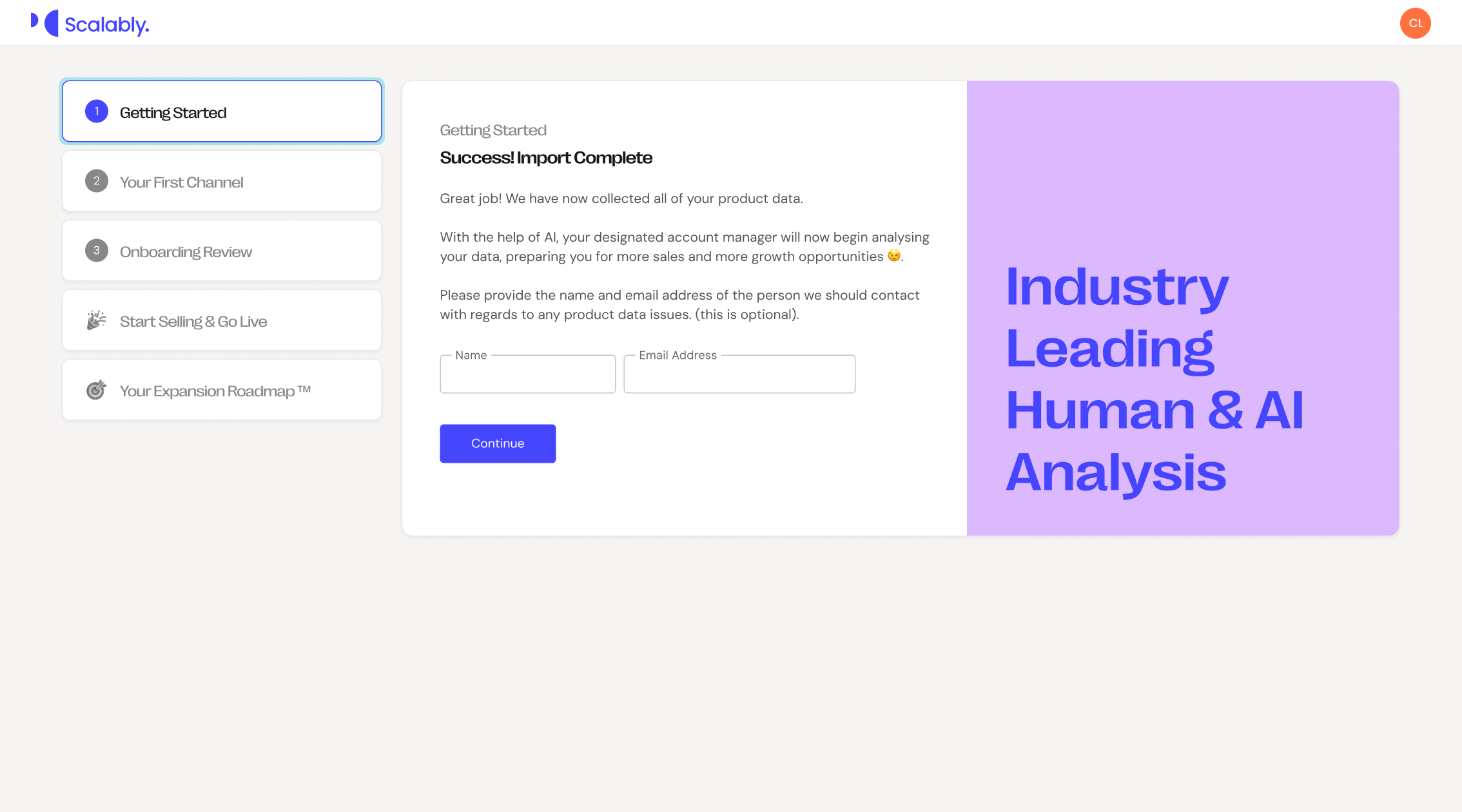
UX Goal 3: Ensure messaging is on-brand, encouraging, and supportive throughout.
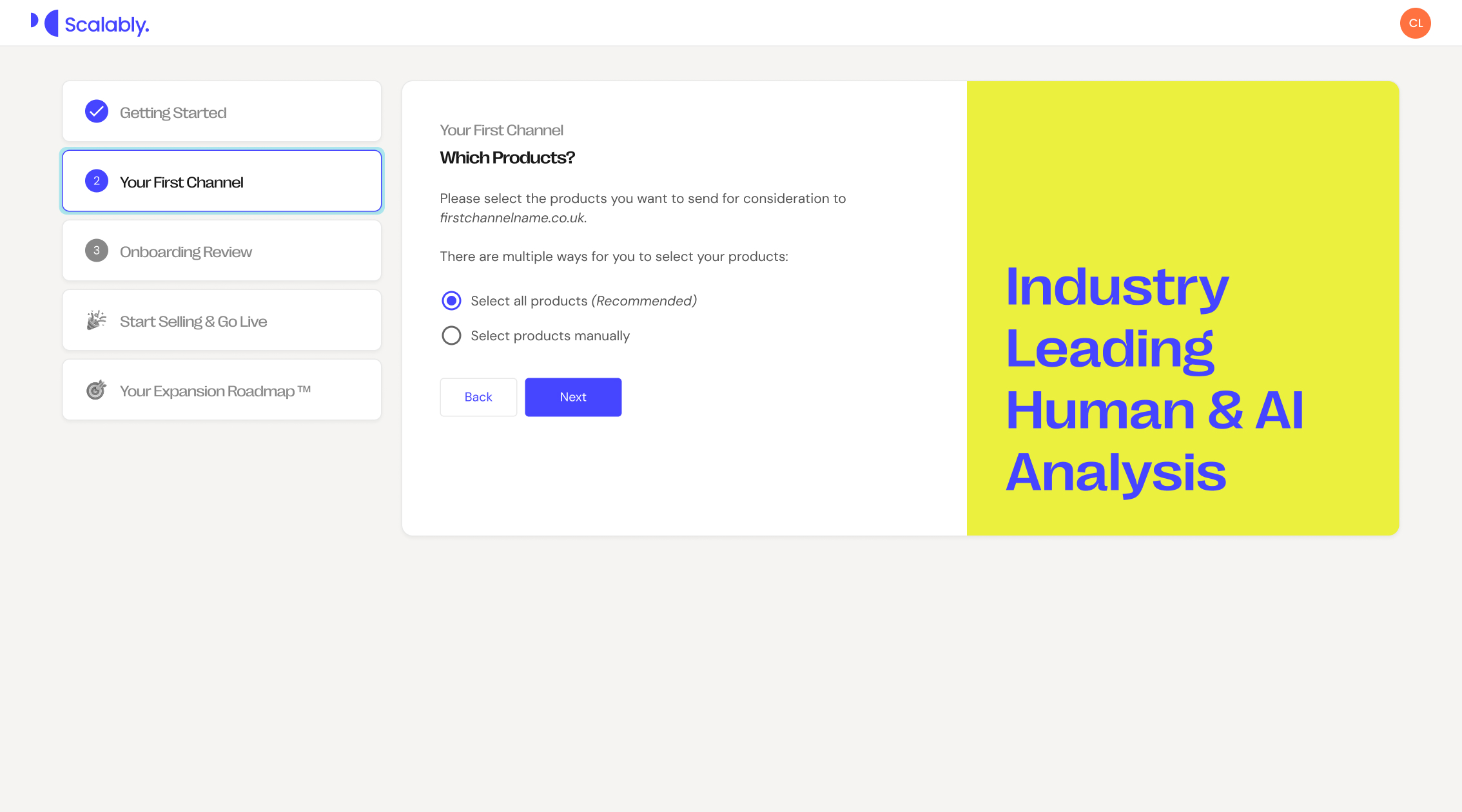
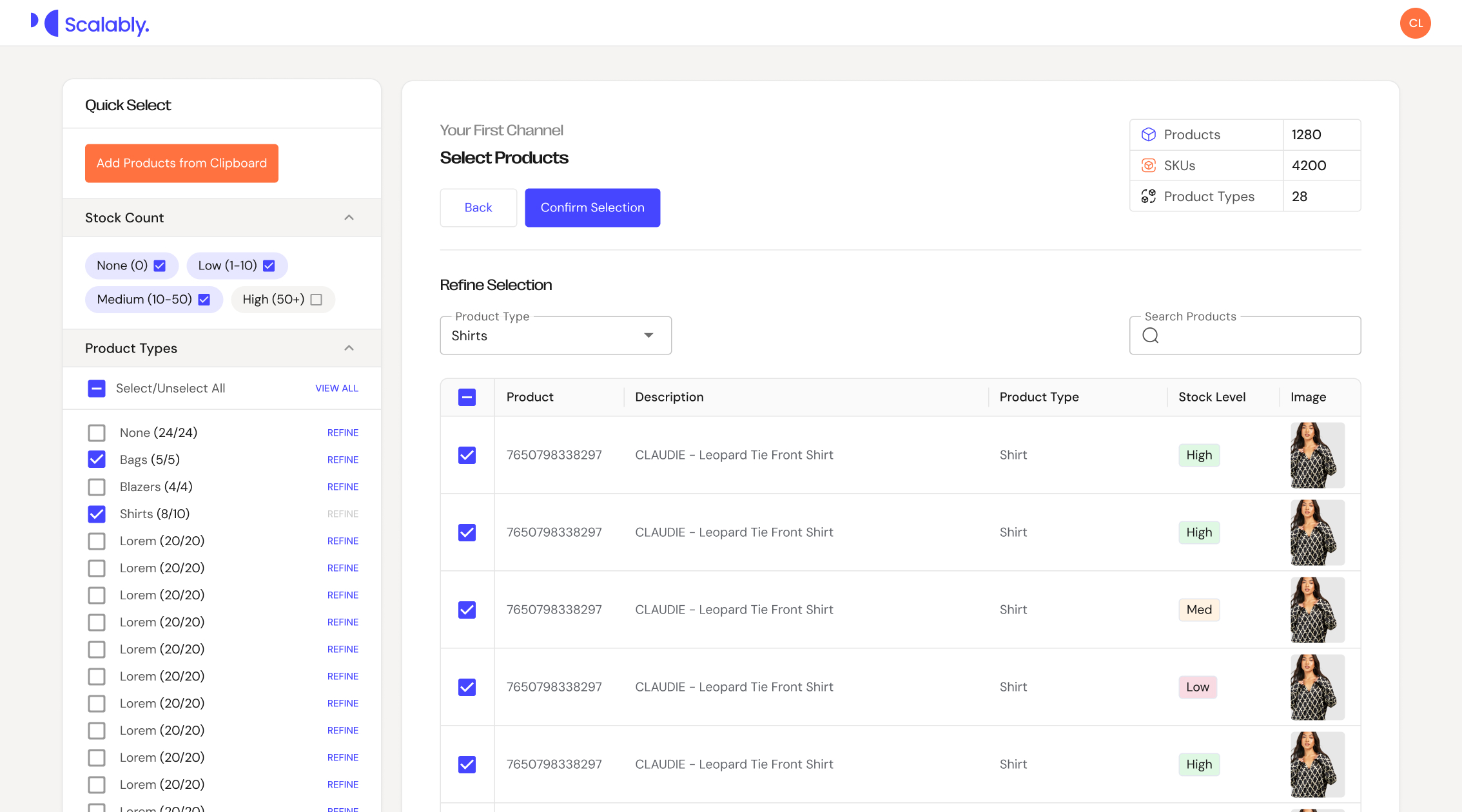
UX Goal 4: Make sure the product selection is intuitive and includes appropriate filters and useful tools for users to make their selections quickly.